How to run a card restoration studio, from request to delivery
The ten working phases of a collectible card restoration studio: request, quote, shipping, check-in, diagnosis, plan, work, final check, report, closing.
Updated Sep 14, 2026
When there are only a few cards, everything lives in your head. When there are twenty a month, from different clients, in batches arriving and leaving on different days, your head is no longer enough: you need the same path for every job, where each phase has a start, an end and something to do next.
This is the sequence we use at Spark & Polish, and the one Registro turns into software. It works on paper too.
In short. Keep client, commission and card apart; take every job through the same phases; end every phase with an action for someone. The client should never have to ask where things stand, and nothing gets deleted.
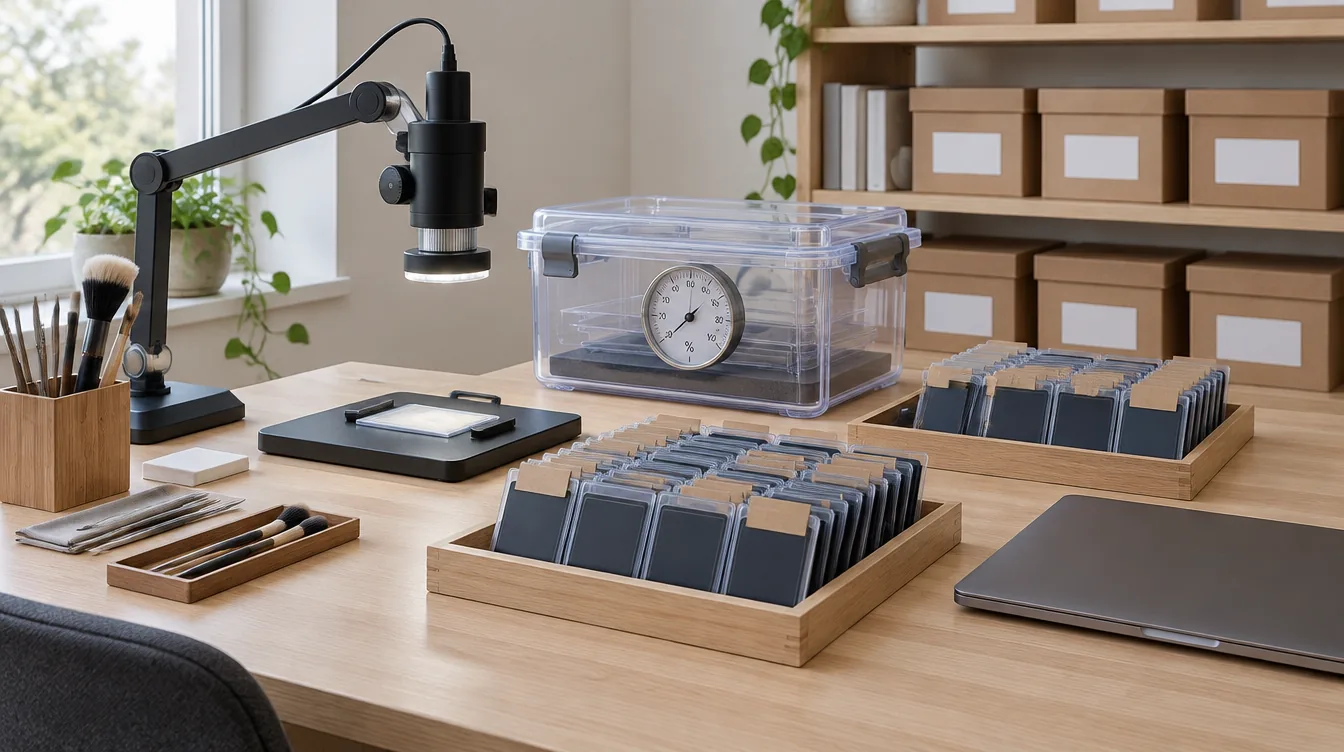
Three levels, not a list
Before the phases, the order of things:
- the client is the person, with their language and the history of what they have entrusted to you;
- the commission is the batch of cards from one shipment, with its quote, shipping and payment;
- the card is where the work is: each one has its own file.
A client can have several commissions over the years; a commission holds one or more cards. Keeping the three levels apart avoids the most common mix-up: one card's quote ending up in the wrong commission.
The ten phases
1. Request
The client describes the cards and sends photographs. The minimum: card name, set, language, front and back, a macro of every defect, the declared value. An incomplete request costs more time than it saves.
2. Preliminary quote
The estimate from photos, with its limits stated. The client accepts or declines. How to build it is in the guide on how to write a restoration quote.
3. Shipping
Only after acceptance does the client receive the address and packing instructions, and ship with tracking. Details in the guide on shipping.
4. Check-in
The parcel arrives: photo of the parcel, contents checked, photo of each card as it arrived, confirmation to the client.
5. Diagnosis
With the card in hand and raking light you confirm the defects seen in photos, find new ones, number them and place them on the photograph.
6. Plan and final quote
For each defect you decide what to do, with what risk, and what you choose not to treat. The final quote replaces the preliminary one and must be accepted again.
7. Work
You log each treatment as you do it: procedure, materials, time. Doing it in the evening from memory is the surest way to forget something.
8. Final check
Final photos framed like the initial ones, and the outcome of each defect: resolved, improved, unchanged, not treated.
9. Report
The document that closes the job, with the before and after comparison. What to put in it is in the guide on the restoration report.
10. Payment and closing
You record the payment, ship the cards back with tracking, the client confirms receipt, the commission is archived. Every card's history stays available.
Three rules that hold it all together
- Every phase ends with an action for someone. If at the end of a phase nobody knows what comes next, the commission stalls without anyone noticing.
- The client should not have to ask how it is going. If they ask, the information has not reached them. An update at every phase change costs less than ten replies.
- Nothing is deleted. A superseded quote, a bad photo, a corrected report: everything stays in the archive with its date. That is what makes your work defensible.
How Registro does it
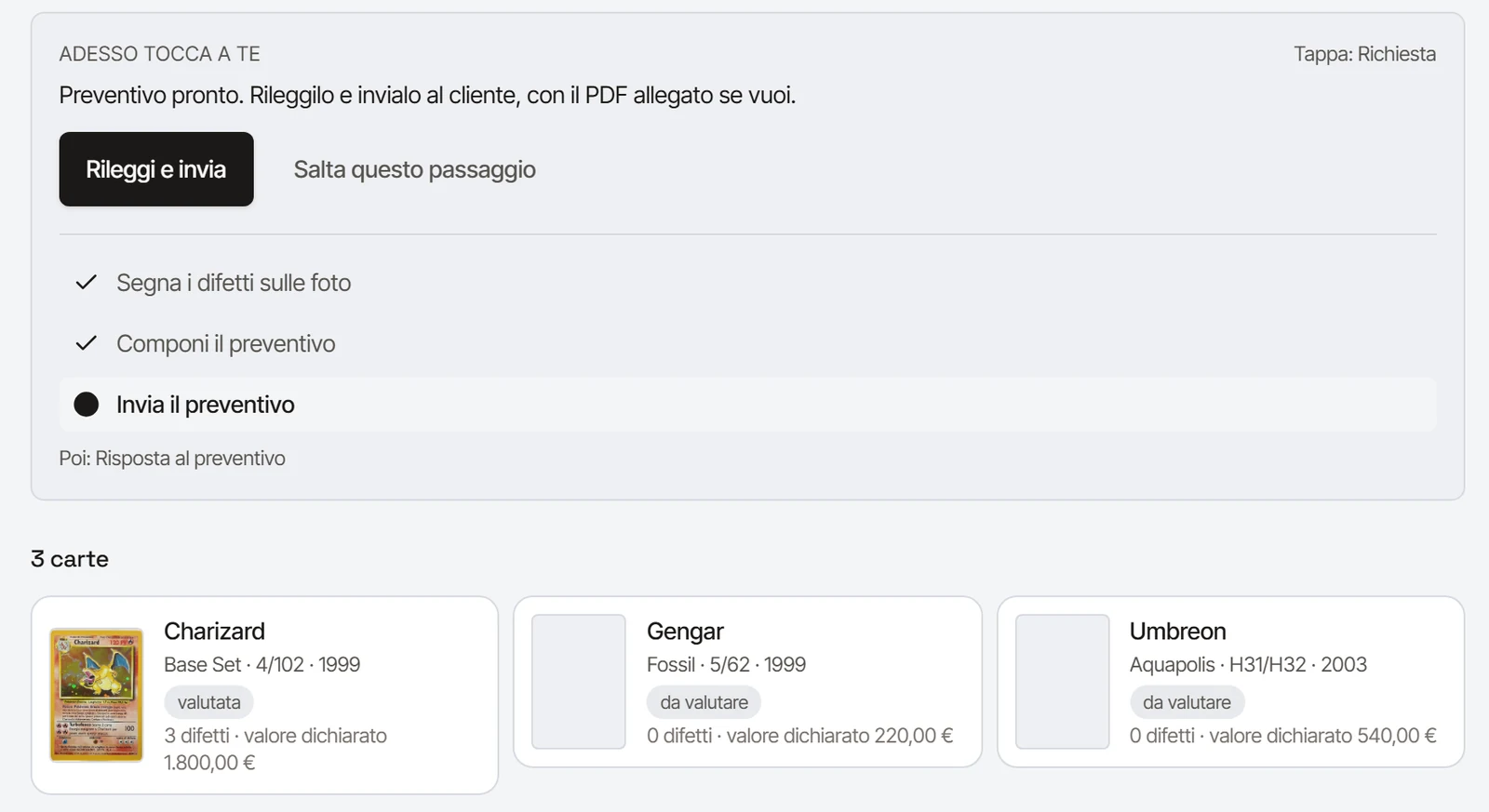
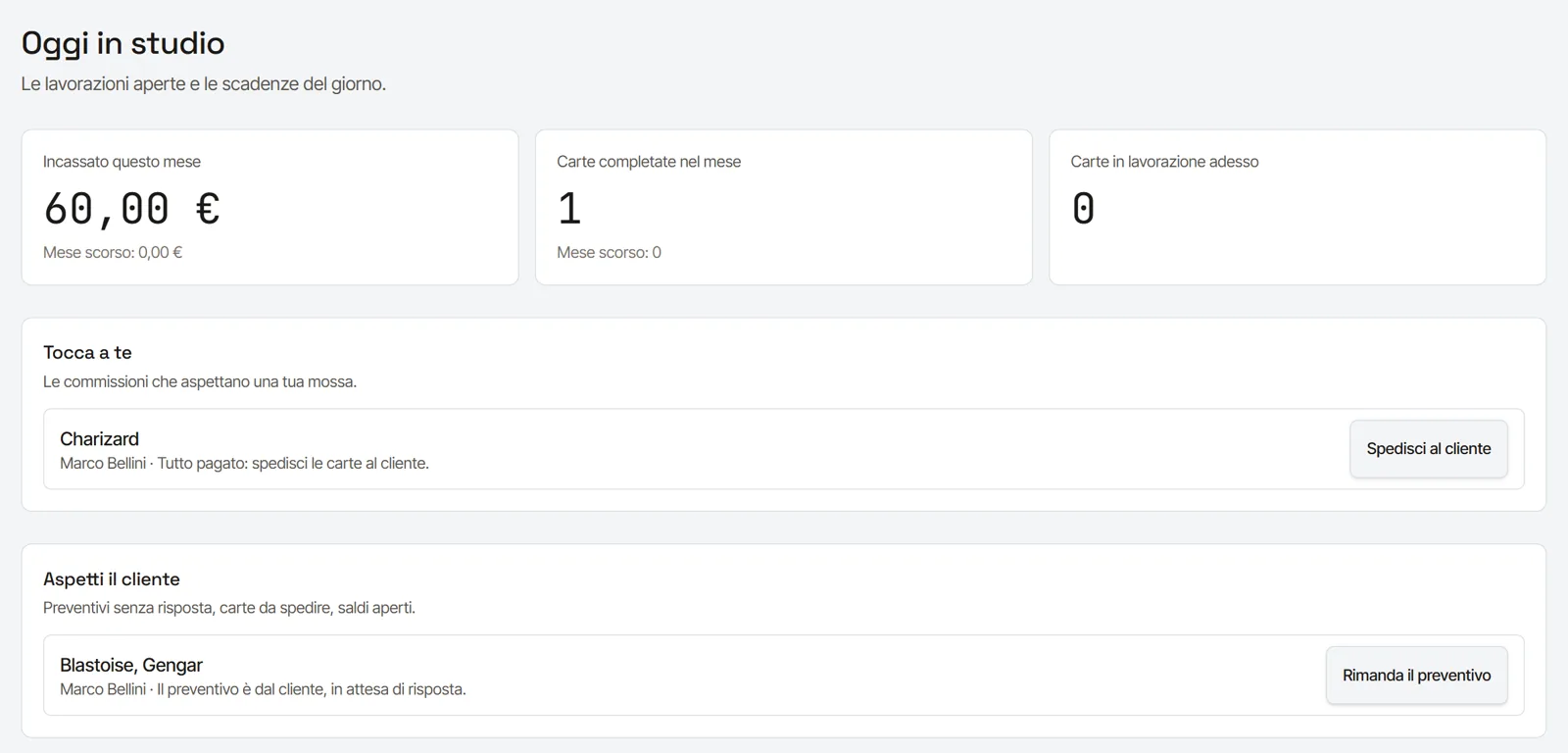
In Registro every commission follows these phases as a guided path: the case file shows the current stage, the steps already done and the one to do now, with a single button to do it. When a step is done, the file moves on to the next one by itself. If a step is not needed, you skip it and say so: it stays in the internal history and the client gets no email for that step. The client follows progress from their own area; your internal notes stay yours. See studio software for card restorers.
Frequently asked questions
Can I skip phases?
Yes, when the job allows it: a card brought in by hand has no shipment, a simple job can have a single quote. In Registro you skip a step by saying so, with a reason if you like: it stays in the history, and if you skipped by mistake you go back to the previous step.
How many cards can a commission hold?
All those from a single shipment. One commission per shipment makes it simple to match parcels, payments and documents.
How do I manage several staff?
Each with their own login: in Registro staff accounts are unlimited on every plan, and every entry records who made it and when.