Registro or a spreadsheet? A comparison for card restorers
Excel, Word and WhatsApp, or software built for card restoration? What changes for quotes, defect photos, reports, clients and archive, and when a spreadsheet is enough.
Updated Sep 14, 2026
Almost every card restoration studio starts the same way: a spreadsheet for clients and money, a Word template for quotes and reports, the photos in a chat. It works, as long as there are only a few cards. This page compares the two approaches on what matters in day-to-day work, including the case where a spreadsheet is enough.
Side by side
| Spreadsheet, Word and chat | Registro | |
|---|---|---|
| Defects | a line of text, detached from the photo | numbered and marked on the photograph, with severity and risk |
| Quote | copied every time, prices from memory | built from your price list while you look at the photos |
| Photos | compressed by the chat, scattered between phone and computer | in the card file, front, back and details, also from the phone with a QR code |
| Report | written by hand, over an hour per card | generated from the files, with an outcome for every defect |
| Documents for the client | your template, to be laid out again | PDF with your branding, in the client's language |
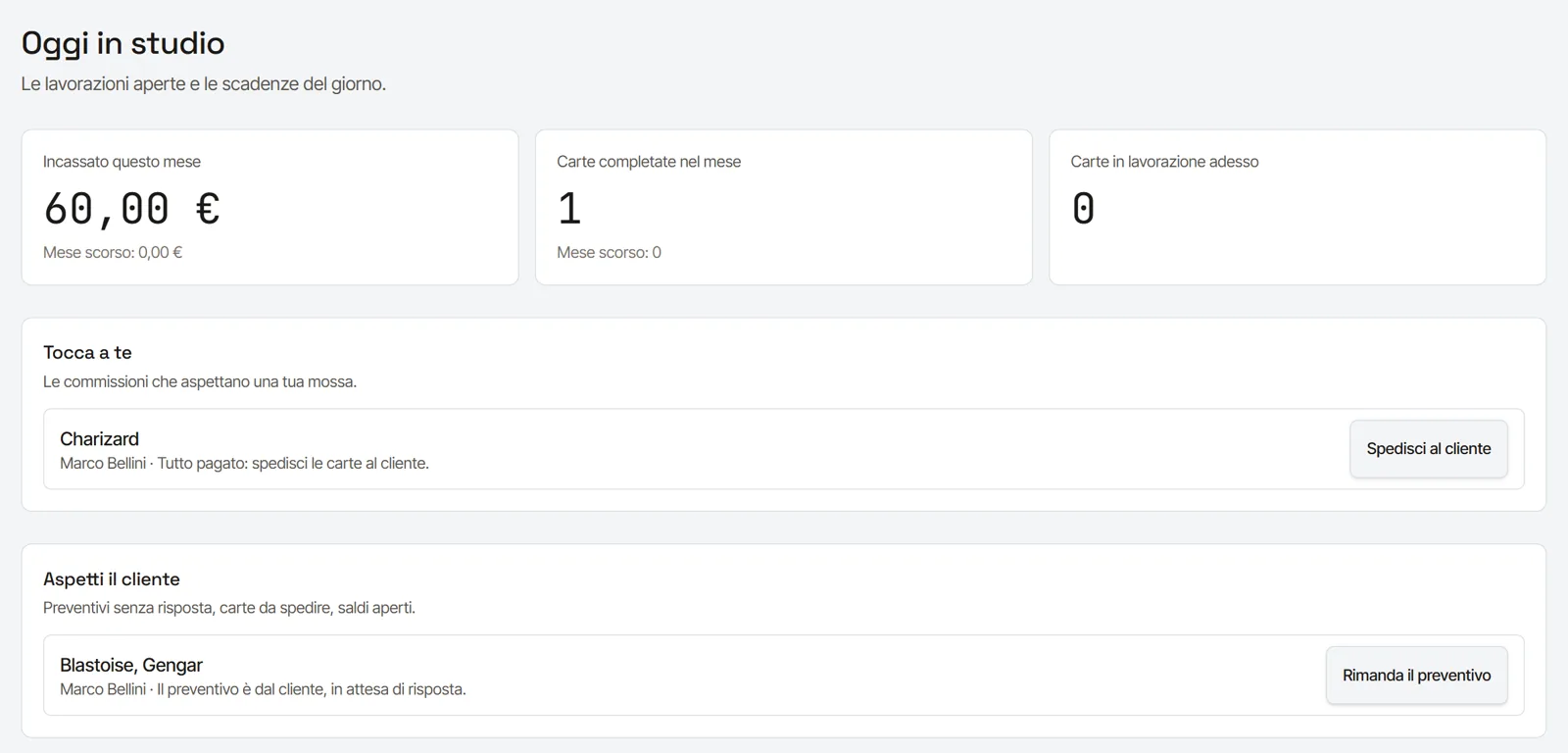
| Work status | from memory, or by asking | ten phases, the next action always visible |
| Client asks "how's it going?" | you answer, every time | they see it themselves in their area |
| History | rebuilt by searching files and messages | every entry with who made it and when |
| Cost | free | monthly tiered subscription |
Where the spreadsheet loses
The defect detached from the photograph
In a spreadsheet you write "whitening left edge, level 2". Six months later, with the card long returned, that line no longer says which spot it meant. In Registro the defect is a mark on the photo, with its number: anyone opening the file sees exactly what and where it was.
The quote that depends on memory
With Word every quote starts from the last one you wrote, and the price of a corner crease is whatever you remember that day. With a defect catalogue carrying your prices, two clients with the same card get the same quote. How it works is explained on the page about restoration quotes.
The report written at night
The report is the document that takes longest, and the one most often put off. When the data is already in the files, the report is a read-through, not a draft. What it should contain is on the page about the restoration report.
Chat as an archive
Photos on WhatsApp are compressed, mixed into two hundred messages, and gone when you change phone. If a client disputes a treatment, the archive needs to live somewhere that does not depend on a messaging app.
When a spreadsheet is enough
If you restore a few cards a month for friends or your own collection, with no clients sending batches and no documents to hand over, a well-kept spreadsheet is a reasonable choice. Registro makes sense when:
- you receive cards from different clients, often in batches;
- you hand over written quotes and reports;
- you work with clients who speak other languages;
- you want an archive that holds up in a dispute.
Moving from Excel to Registro
You do not have to migrate the whole past to start: most studios open new commissions in Registro and let the old ones close where they are. Returning clients are created the first time you need them. If you have a large archive to bring in, message us on WhatsApp and we will work out together where to start.
The trial is 14 days on the most complete plan, with no credit card: the quickest way to find out whether it suits you is to open the next commission that comes in.
Frequently asked questions
Can I export my data from Registro, as I would from a spreadsheet?
Yes. Clients, commissions, card files, photographs and documents can be exported at any time, in formats that open without Registro. If you stop using it one day, the archive stays yours.
How does it fit with my invoicing?
It records every payment — who, when, how much, by which method — and exports the summary for your accountant, ready for your invoicing software.
Do I need a powerful computer?
No. Registro runs in the browser; photos are resized before upload, so slow connections are fine too.